

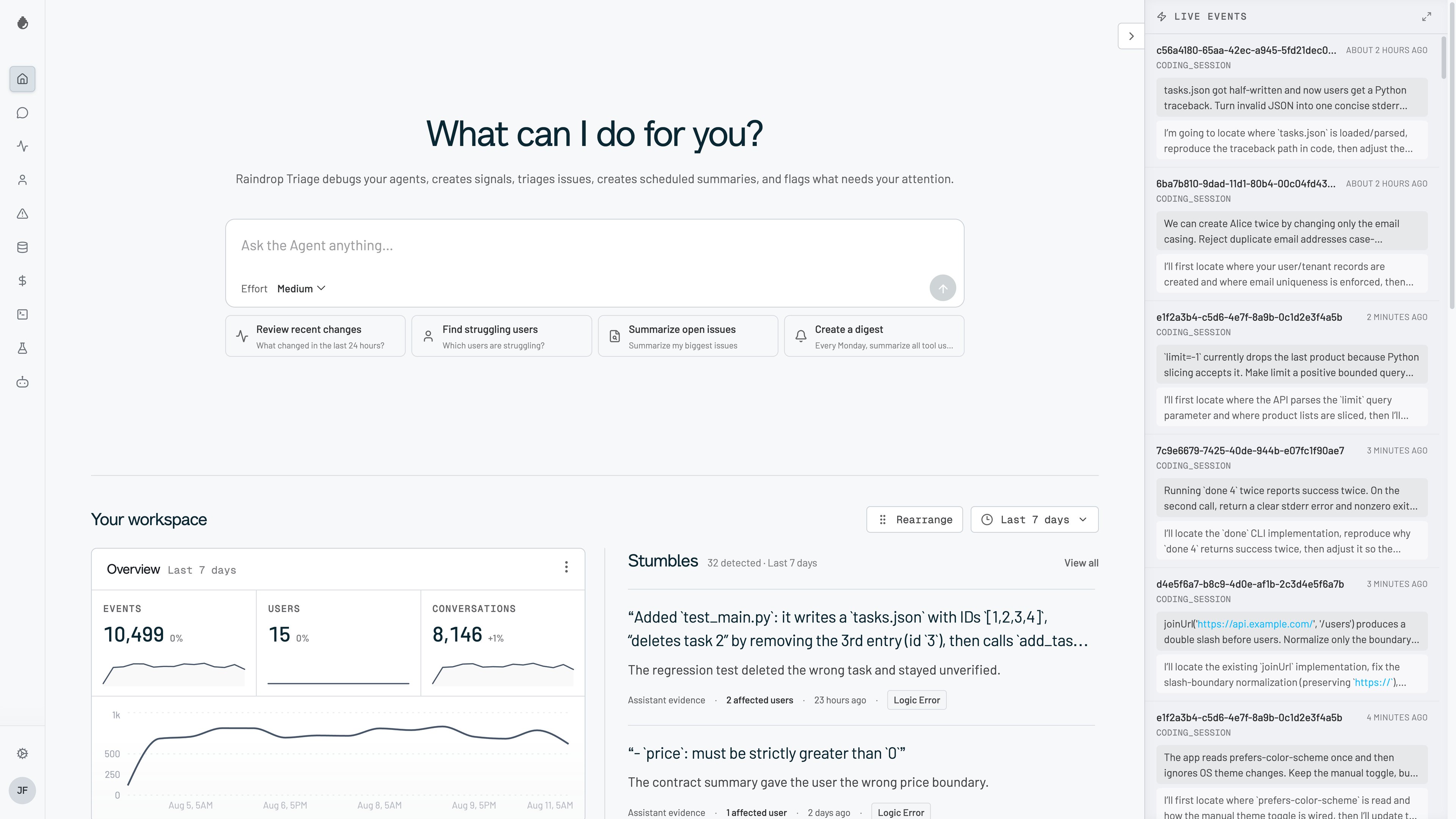
- Visualize agent trajectories: see every tool call, error, and recovery in seconds
- Detect issues automatically: choose from presets that catch forgetting, user frustration, and task failures
- Search across millions of interactions: find issues in production data with natural language
- Track custom signals: define any signal you care about (syntax errors, aesthetic complaints, an agent stuck in a loop) and track it at scale
- A/B test your agents: run experiments to validate that fixes actually worked
Quickstart
Run this in your project directory:raindrop CLI and runs raindrop cloud setup, which:
- Signs you in to Raindrop in the browser.
- Writes your org write key to
./.envasRAINDROP_WRITE_KEY. - Installs the
raindrop-setupandraindrop-investigateskills and the hosted MCP server into your coding agents (Claude Code, Cursor, Codex, and others).
/raindrop-setup in your coding agent. It finds your AI call sites, instruments them, and checks that events reach Raindrop.
Prefer to wire it up yourself? Pick an SDK or integration below.
Integrate Raindrop
TypeScript
Full-featured SDK with tracing support for Node.js and edge runtimes.
Python
Native Python SDK for FastAPI, Django, and other Python frameworks.
HTTP API
RESTful API for any language or platform.
Integrations
Connect Raindrop with AI frameworks, cloud providers, and developer tools.
Core Features
Signals
Ground truth indicators for agent performance. Track wins, failures, and custom behaviors across all your interactions.
Triage Agent
An agent that investigates your AI agents in Slack, on the web, and as an MCP.
Issues
Automatic detection of broader distribution changes worth investigating.
Experiments
A/B test your agents to validate changes. Compare models, prompts, and configurations.