

user_id. The Users page catalogs those people with activity stats, traits, and the signals they’ve hit.
How users work
Users are built from your events. When an event includesuserId / user_id, Raindrop adds that person to the Users catalog for the project the event landed in. Attach traits (email, plan, name) with identify, and they show up as filterable columns.
The page respects the selected project. In All projects you see one row per (project, user_id); opening a user drills into that project’s scope.
Using users
Browse and filter
Open Users to see active-user trends and the full table. Search by user ID or email, then filter by plan, first-seen, traits, signals, event name, or date range.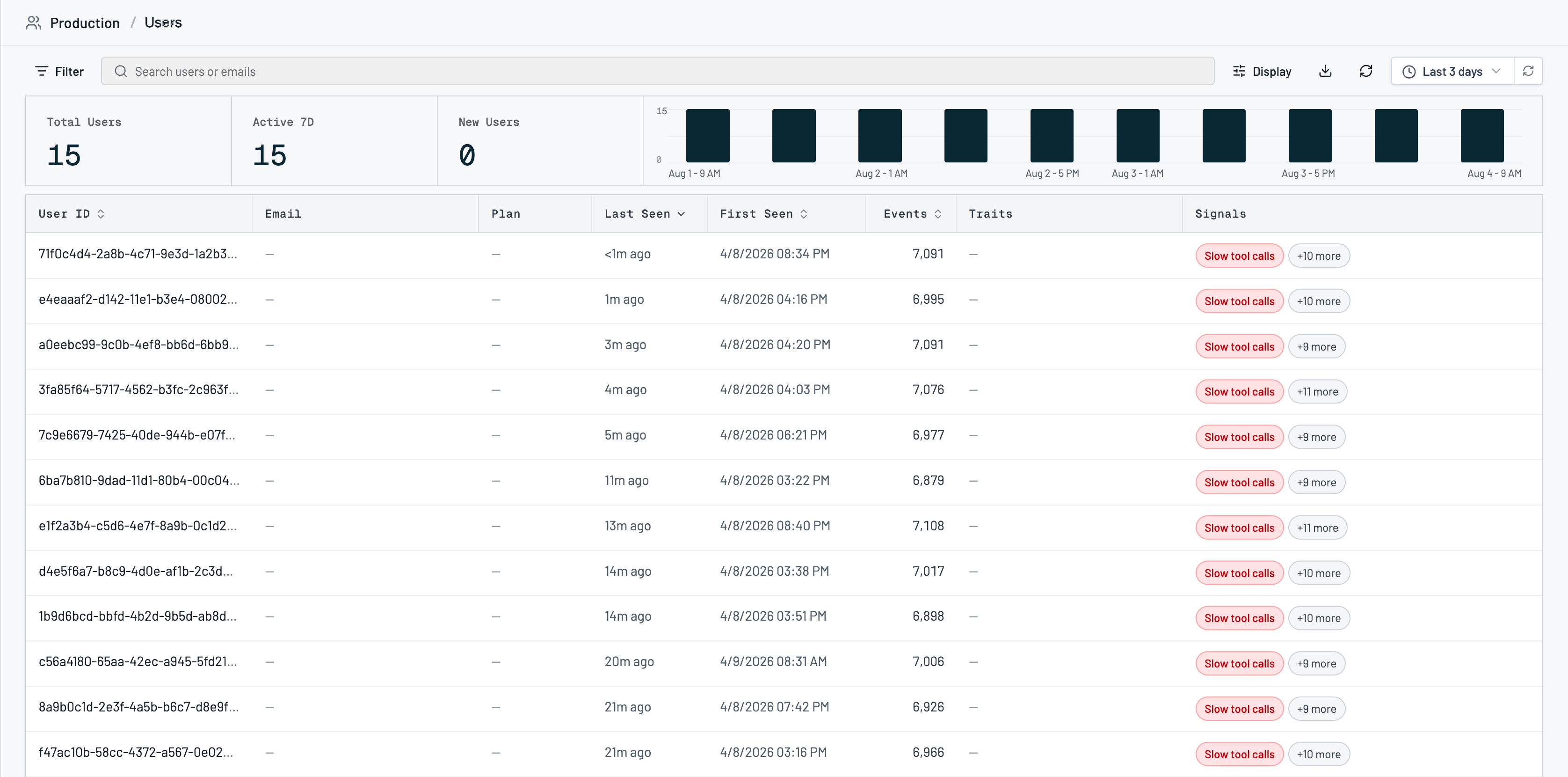
Open a user’s events
Click a row to open that user’s event feed. Search and filter their interactions the same way you do on the Events page, and jump into any conversation.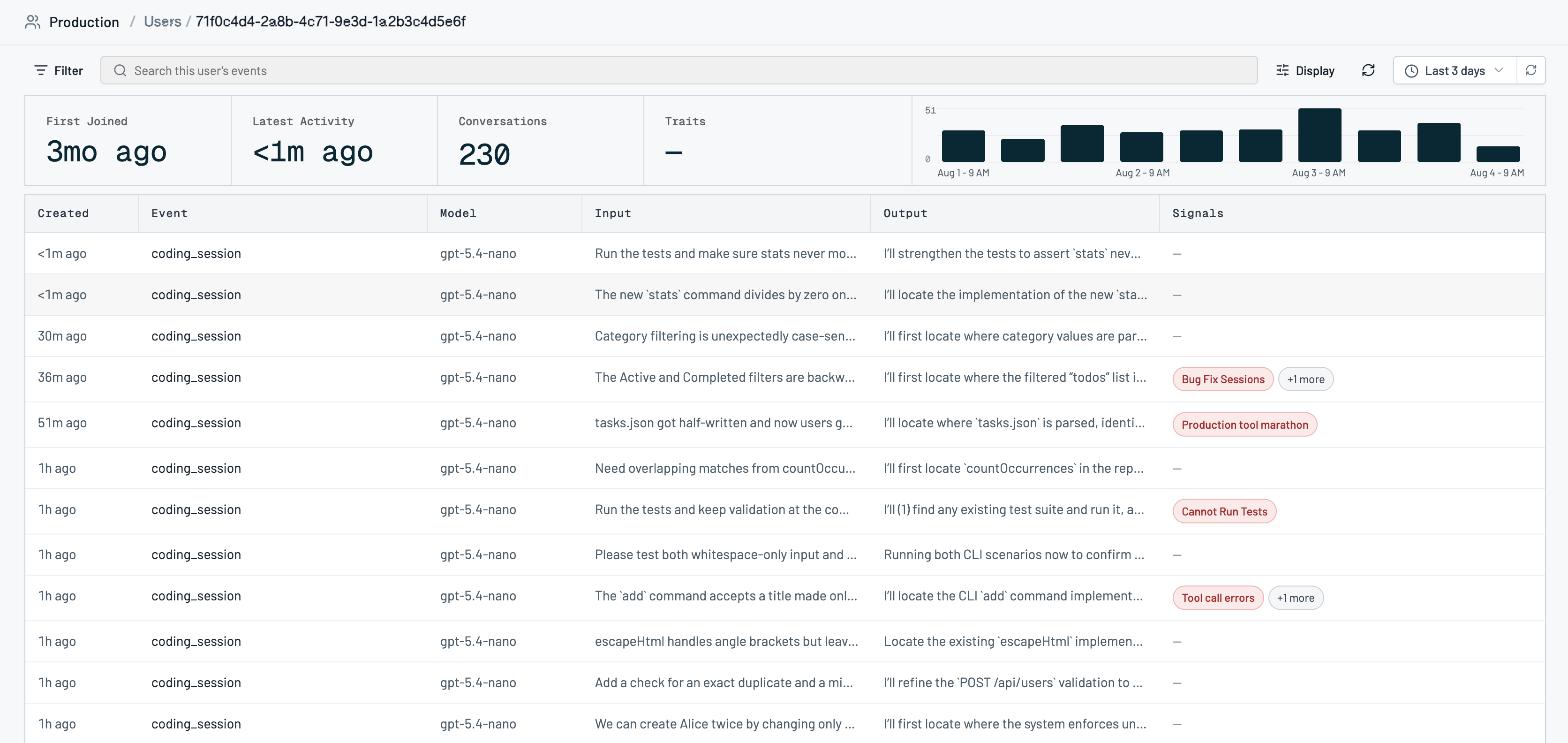
Attach traits with identify
Send traits from your app so the Users table stays useful. Use stableuser_id values and traits like email, name, and plan (free / paid / trial):
Hide internal or test users
Use Settings → Filters → User Exclusions to hide matching users from the catalog.Export
On paid plans, export the matching users as CSV from the Users page. See Plans and limits.Troubleshooting
There’s no Export button. CSV export is a paid-plan feature; the catalog itself is fully browsable on Hobby. A user is missing traits. Traits fromidentify apply immediately. Traits that only arrive on later track events can lag until those events are ingested. Re-send identify if a trait should already be there.
The same person shows up twice in All projects. Expected: each project keeps its own row for a given user_id.
Related
- Events for the interactions behind each user
- Signals to filter users by behaviors they’ve hit
- Projects for how users are scoped
- MCP overview (
list_users,get_user) to query users from your coding agent